

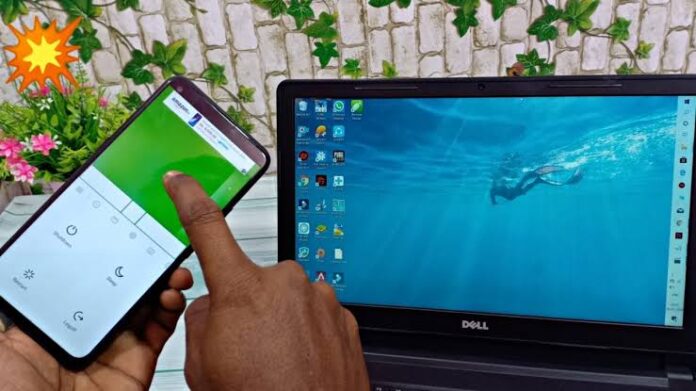
If you use a laptop, you may have experienced the frustration of either a faulty touchpad, a missing or broken mouse.
Fortunately, both Android and iPhone devices can serve as wireless mouse for computers, standing in as a practical backup and additional flexibility for your presentations and media control.
The setup relies on installing a mobile app on the phone and companion software on the computer. Popular options include Remote Mouse, Unified Remote, and WiFi Mouse, which are available for both iOS and Android.
To use the feature, the process is straightforward:
-
Install a remote mouse app on the smartphone.
-
Download the matching desktop software from the app’s official site or app store.
-
Connect the phone and the computer to the same Wi-Fi network, or pair them via Bluetooth.
-
Open the app on both devices and complete the pairing steps.
Once connected, the phone screen functions as a virtual trackpad, allowing the user to move the cursor, click, scroll, and even type using the phone’s keyboard.
Some apps, such as Serverless Bluetooth Keyboard & Mouse for Android, can work over Bluetooth alone without requiring extra software on the computer. This makes them compatible with Windows, macOS, and Chromebooks.
You can use this feature especially during presentations, when controlling media from a distance, or as an emergency solution if a physical mouse stops working.
With just a few minutes of setup, your smartphone can replace or complement a traditional mouse, turning an everyday device into a versatile computer accessory.


